Google's Chrome team announced, on November 10, 2026, the stable 1.0 release of Modern Web Guidance, a free, open-source set of skills that teaches AI coding agents to write modern web code, following best practices, native browser features and cross-browser compatibility data.
The project started inside Chrome and was previewed at Google I/O in May 2026. In version 1.0, it becomes a cross-browser effort: the Microsoft Edge, Mozilla Firefox and MDN teams now support, maintain and contribute to the project, alongside Chrome and the community. According to the official announcement, the goal is to ensure that anyone coding with an agent can take full advantage of the modern web platform.
The problem Modern Web Guidance tries to solve is familiar to anyone who has reviewed AI-generated code: models learned from a huge amount of old code, so they tend to fall back on outdated solutions — often with JavaScript where a native HTML or CSS feature would do the job better, with less code and more accessibility.
What is new in version 1.0
The main new feature is the modernization workflow, which analyzes an existing codebase — HTML, CSS, JavaScript and package.json — and points out opportunities to upgrade safely, guiding the agent through the changes. In this first release, the analysis is static and covers a limited set of patterns; the plan is to expand coverage over time, including audits in which the agent reasons directly about the code.
The guide library has also grown: 203 use-case guides covering 250 web platform features, according to the project documentation. Every guide went through deeper human expert review, with sign-off from technical leads in each area and a dedicated accessibility review for user-facing guides. The project also publishes a public evaluation dashboard showing the measurable improvement over agents without the guidance.
Results measured by Google
In Google's own tests, Claude Code with the Opus 5.5 model went from 57% to 88% of web code checks passed when using Modern Web Guidance. The Japanese platform note inc., one of Japan's largest creator platforms, recorded an improvement from 61% to 94% in a 180-run evaluation on its production codebase. These figures come from Google and its partners and should be read as results reported by those involved, not as independent tests.
There are also production use cases: MetaMask runs the guidance as an automated review bot on every pull request to its open-source browser extension — in five weeks, the bot reviewed about 480 pull requests and led engineers to fix 43 findings, mostly about accessibility and HTML semantics. WeTV, Tencent's streaming platform, uses the guidance together with Chrome DevTools for agents and says it automatically resolves 90% of failed performance checks.
How to install
To add Modern Web Guidance to a project, run this from the project directory:
npx modern-web-guidance@latest install
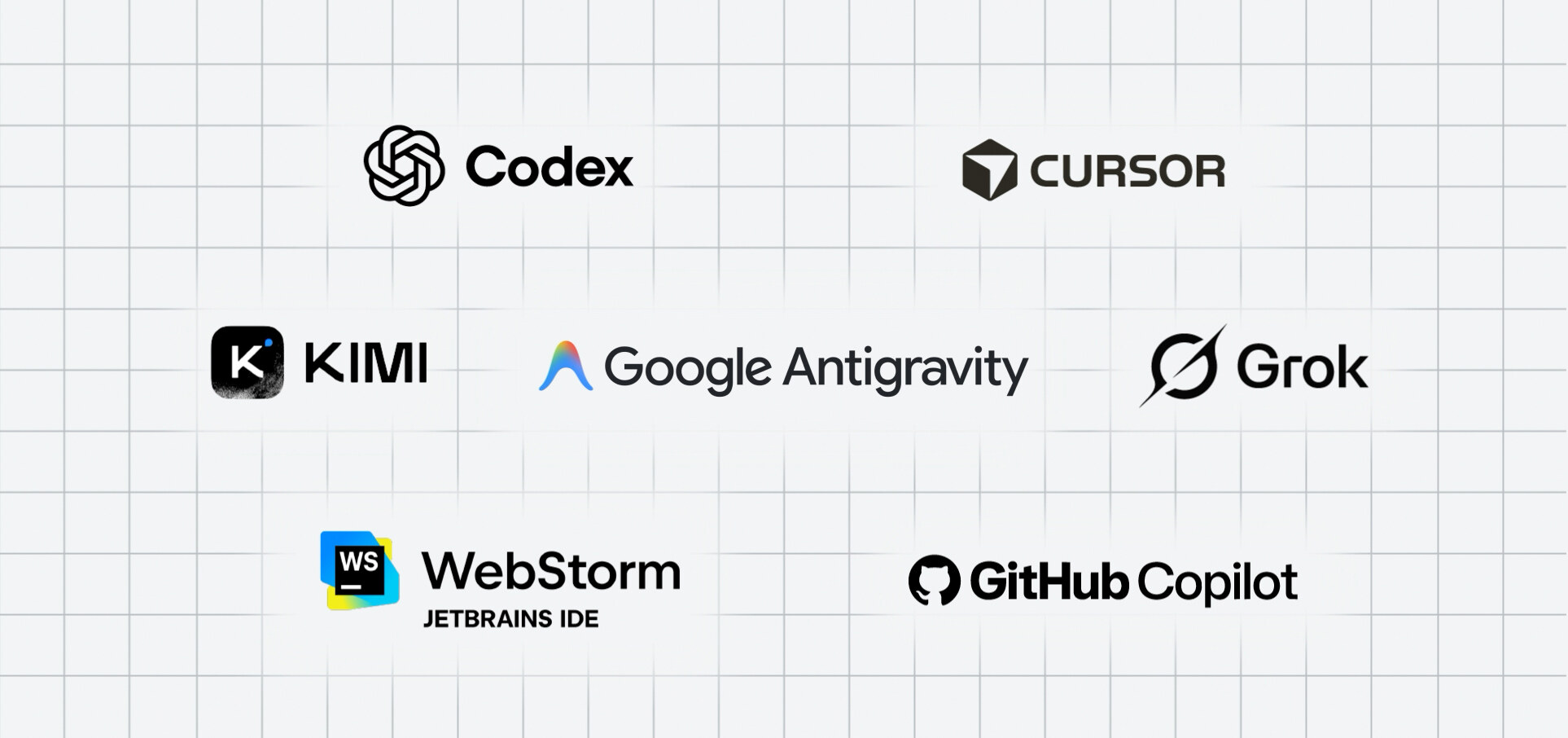
Anyone already using an earlier version can update with npx modern-web-guidance@latest update. The package can also be installed from the plugin marketplaces of the main coding agents, including Claude Code, Codex, Cursor, Antigravity, Copilot, WebStorm, Kimi Code and Grok Build. The code is licensed under Apache 2.0 and the guides under CC-BY 4.0.
Beyond teaching best practices, the guides carry Baseline compatibility data, the shared label that shows how widely a web feature works across browsers — letting the agent recommend the best feature for the support level a project requires, instead of assuming everything works everywhere.
Image credit: Google Chrome for Developers — image from the official Modern Web Guidance 1.0 announcement, showing the logos of the supported coding agents and IDEs.
Sources
- Modern Web Guidance 1.0: The web platform expertise your coding agent is missing — Chrome for Developers
- Official Modern Web Guidance repository on GitHub
Transparency: this article was produced with the assistance of artificial intelligence, cross-checking public posts on X and sources from the internet. We recommend consulting the original sources to confirm the information.
Muse