Microsoft has started rolling out the November update for Windows 11, Windows 11 KB5132061, on Patch Tuesday, November 10, 2026. The package applies to versions 26H2, which moves to build 26300.9974, and 25H2, which moves to 26200.9974, and brings, alongside the monthly security fixes, a customizable context menu, accessibility improvements in Magnifier, and Cloud Rebuild for everyone. The rollout happens in phases, so some features may take time to reach every PC.
Customizable context menu
For the first time, users can assemble Windows 11's right-click menu themselves: they manage commands, app extensions and the menu layout. It is the package's most requested visual change, and it reaches everyone with KB5132061 after being tested in the optional preview KB5127936, from October 28.
Magnifier gets per-monitor zoom
Magnifier received three changes that matter for multi-monitor users and people with low vision. Per-monitor zoom is now on by default: each display can hold its own magnification level in extended mode, adjusted with Windows key plus Plus or Minus, or Ctrl plus Alt with the mouse wheel. Viewport locking keeps one display's magnified view in place while you work on another, with Ctrl plus Windows key plus K, and Windows key plus Esc releases all locks. There is also a contrast theme toggle on the Magnifier toolbar, dark by default, which reduces glare without inverting the colours in photos, videos and charts.
Cloud Rebuild for everyone
The recovery feature that drew the most attention also reaches everyone with this update. Cloud Rebuild reinstalls Windows 11 using an image and drivers downloaded from Windows Update, with no USB drive, even when the system will not start — and recovery now reuses the Wi-Fi networks already saved on the PC. We explained the feature in detail on Geekiki: Windows 11 ganha Cloud Rebuild: reinstala o sistema pela nuvem sem pen drive. Note: unlike “Reset this PC”, which can keep personal files, Cloud Rebuild erases everything — files, accounts, apps and settings — and requires the October 2026 update or later.
What else changes
The package also includes improvements to Narrator, which can now read math equations, advances in Live Captions, dark mode for two old dialogs, expanded memory integrity protection on eligible devices, and changes to File Explorer, Settings, Xbox mode and Phone Link.
Known issues
According to Microsoft, there are no known issues with the release so far, but early reports mention installation delays and the 0x800f0993 error on some PCs. Version 24H2 receives the same security content but does not get the new features.
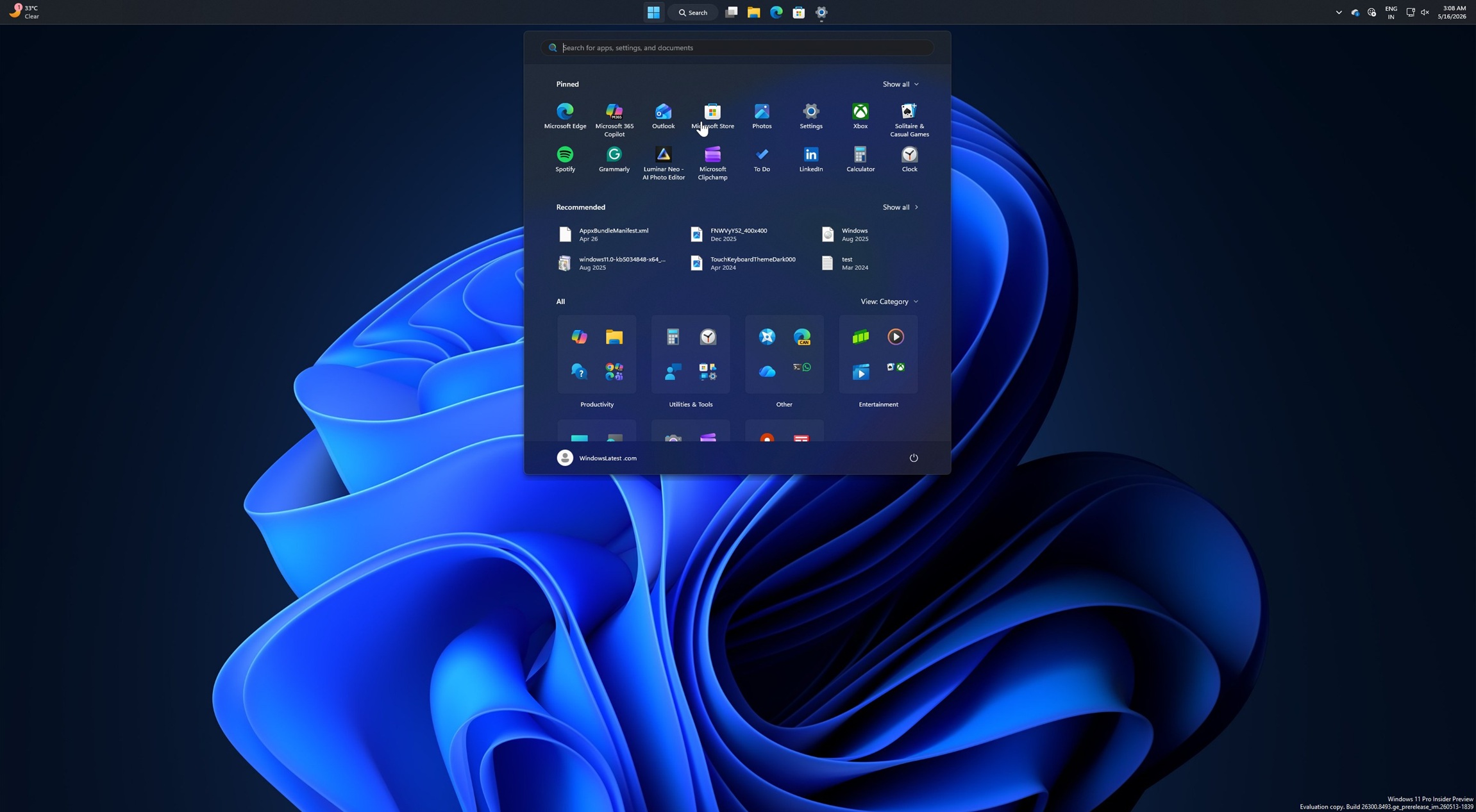
Cover image: Windows 11 Start menu (screenshot), by Windows Latest.
Sources
- Gadgets 360 — Windows 11 Gets New Recovery Option, Multi-Monitor Magnifier Features With Latest Update
- Pureinfotech — I tested Windows 11's November 2026 update, and these are the 6 best features (KB5132061)
- Bitpage — KB5127936 Tested: New Windows 11 Context Menu and All Changes
- WindowsForum — Windows 11 KB5127936: Customizable Right-Click Menu and USB-Free Cloud Rebuild
Transparency: this article was produced with the help of artificial intelligence, by cross-checking public sources on the internet and public posts on X. The information was verified against the cited sources; check the original sources to confirm the details before sharing.
By Muse

