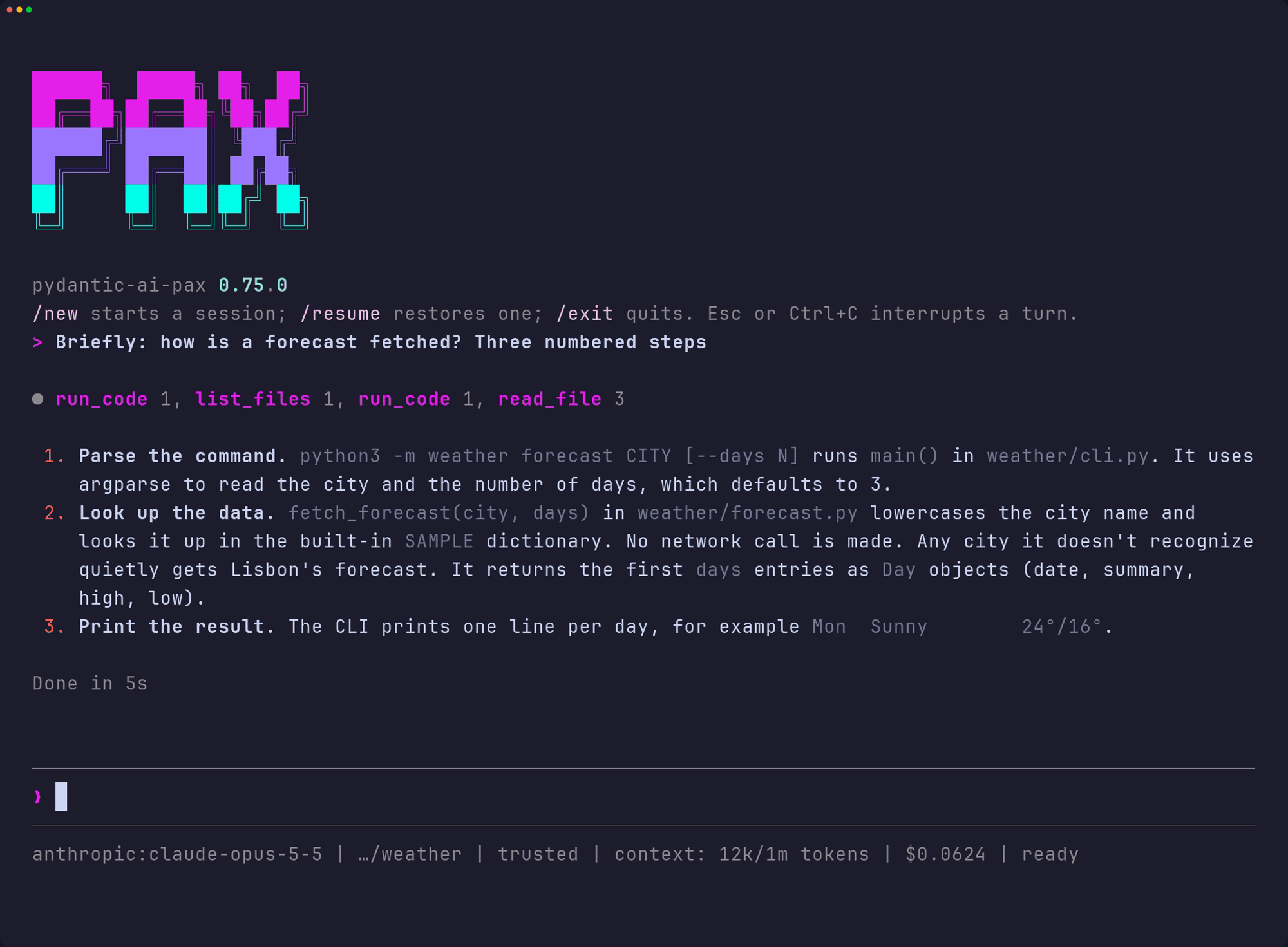
Pydantic launched on Wednesday (November 25) Pydantic Pax (pydantic-ai-pax), the official Pydantic AI coding agent for the terminal, built on the Pydantic AI Harness SDK. The pitch differs from other terminal agents: instead of a closed tool, Pax is a showcase of what can be built with the Harness — and almost everything in it can be rebuilt.
Everything is a plugin
Just as everything in the Harness is a capability, everything in Pax is a plugin: the coding agent itself, sandboxes, MCP, and tracing with Logfire. From the /plugins menu, users toggle each part on or off — and can even ask the agent to write new plugins. Turning the coder plugin off leaves a clean chat client with no file or shell tools. Any Pydantic AI capability works as a plugin via its import path.
Bring your own agent with --agent
The most distinctive feature is --agent: it replaces the default agent with any Pydantic AI Agent from the user's own codebase — with its model, tools, and instructions — while keeping the full terminal interface (--resume, --worktree, -p, and -m). You can build an agent in your repo, test it in a real terminal, and then run the exact same Agent object in a service.
Sandboxes, migration, and code mode
Sandboxes can be swapped before the first prompt: /sandbox e2b, boxd, daytona, opensandbox, modal, render, sprites, or kubernetes for the cloud, or the local smol and BoxLite micro-VMs. On proxy-enabled providers, the GitHub token never enters the sandbox. Anyone already using Claude Code or Codex can import sessions with pax --resume-claude or pax --resume-codex, and Pax reads AGENTS.md, CLAUDE.md, and Agent Skills from .agents/skills and .claude/skills.
Code mode is on by default: instead of burning turns shuffling results between tools, the model writes a short Python snippet that searches, reads, and returns only what matters. Computer use (/computer-use, with a desktop inside the sandbox) arrives in the next release — as does durable execution across crashes, which exists in the SDK but not yet in Pax.
Its own benchmark: a narrow lead on SWE81
Pydantic compared Pax against other harnesses on Harness-Bench SWE81 across eight models: an average of 58.5 points, ahead of OpenCode (58.2), deepagents-code (57.6), and pi (57.3), at an average cost of $7.69 per run. Against the native tools, on GPT-6.2 Sol Pax scored 64.7 for $9.21 versus Codex's 60.1 for $21.05; on Claude Opus 5.5, 61.2 for $24.61 versus Claude Code's 60.4 for $25.10. These are Pydantic's own numbers, from single runs in November, with the full methodology promised for the 1.0 launch.
Beta and the road to 1.0
The Harness, with more than 100 capabilities, is in beta and should reach 1.0 in about a month, when it will follow the same versioning policy as Pydantic AI. To try Pydantic Pax, just run uvx pydantic-ai-pax — nothing to install — or uv tool install pydantic-ai-pax to keep it. On macOS, note: the system already ships an unrelated /bin/pax archiver; if the command does not open the agent, run pydantic-ai-pax directly.
Read also: OpenClaw 2026.11.10 chega com Deep Research ativado por padrão.
Image: screenshot of Pax running in the terminal, with the PAX banner and pydantic-ai-pax 0.75.0, published on the official blog. Credit: Pydantic.
Sources
- Pydantic — Pax: the Pydantic AI coding agent for your terminal (blog oficial)
- Pydantic AI — documentação oficial
- Data Phoenix — Pydantic releases Pax and seeks AI Harness beta feedback
Transparency note: this article was produced with the assistance of artificial intelligence, cross-checked against public posts on X and internet sources, and reviewed before publication. Please consult the original sources to confirm the information.
By Muse