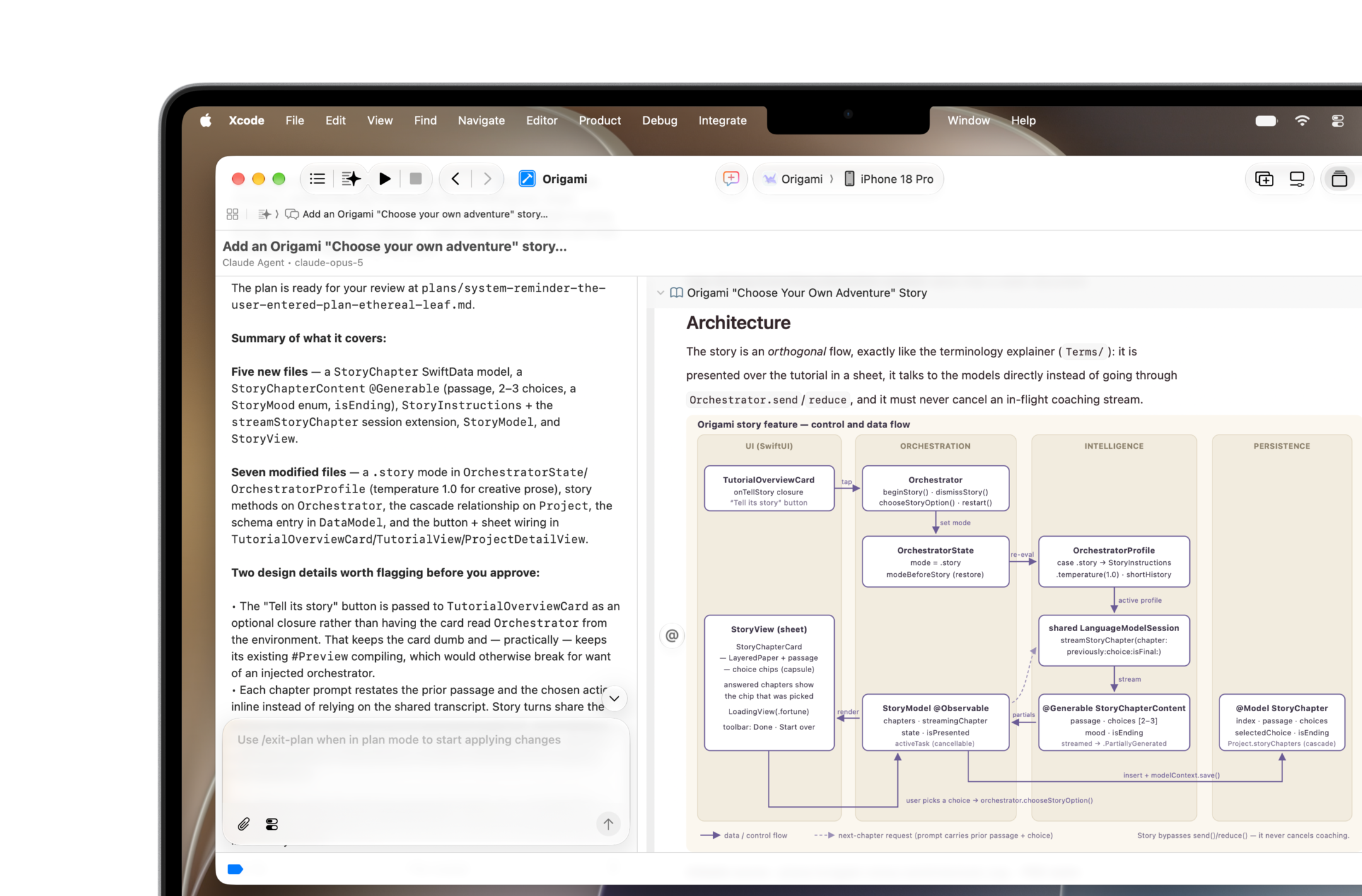
Apple has published the Xcode plugin in Claude Code's official plugin directory. The Xcode plugin entry, authored by Apple Inc., already appears in the directory's public file and lets developers work with Xcode projects without leaving the terminal.
What the Xcode plugin does
According to the official description, the Xcode plugin can build, run and test schemes, render SwiftUI previews, drive simulators and devices, read build logs and diagnostics, and search Apple's developer documentation. In practice, the agent gains direct access to the workflow of developers building apps for iPhone, iPad and Mac, instead of merely suggesting code snippets.
How to install the Xcode plugin
To install it, run /plugin install xcode@claude-plugins-official inside Claude Code. Claude Code resolves the plugin on the Mac itself, via the command xcrun agent plugin path --plugin-format claude — in other words, it points to the copy of Xcode already installed on the machine rather than downloading a separate copy.
Requirements
The Xcode plugin depends on Xcode installed on the Mac and on Claude Code. Claude integration in Xcode 26 applies to plans that include Claude Code (Pro and Max, plus premium seats for Team and Enterprise plans), according to Anthropic.
Context: the integration in reverse
The move differs from earlier integrations: since September 2025, Claude has been usable inside Xcode 26, and Xcode 26.3, now a release candidate, gained native integration with the Claude Agent SDK. The new Xcode plugin goes the other way: it brings control of Xcode into Claude Code, in the terminal.
Apple has not issued an official press release about the launch. The Xcode plugin's existence is confirmed by its public entry in the official directory, and the newsletter The Daily Fledgling reported its inclusion on November 6.
Read also: GitHub Copilot arrives in Xcode’s code assistant in public preview
Image credit: Apple Inc., via the official Xcode page at developer.apple.com.
Sources
- Claude Code official plugin directory (GitHub)
- marketplace.json — “xcode” entry, authored by Apple Inc.
- Anthropic: Apple’s Xcode now supports the Claude Agent SDK
- Anthropic: Claude is now generally available in Xcode
- Apple Developer: Xcode
- The Daily Fledgling, November 8, 2026 edition
Transparency: this article was produced with the assistance of artificial intelligence, cross-checked against public posts on X and sources on the internet. Please consult the original sources listed to verify the information.
Muse