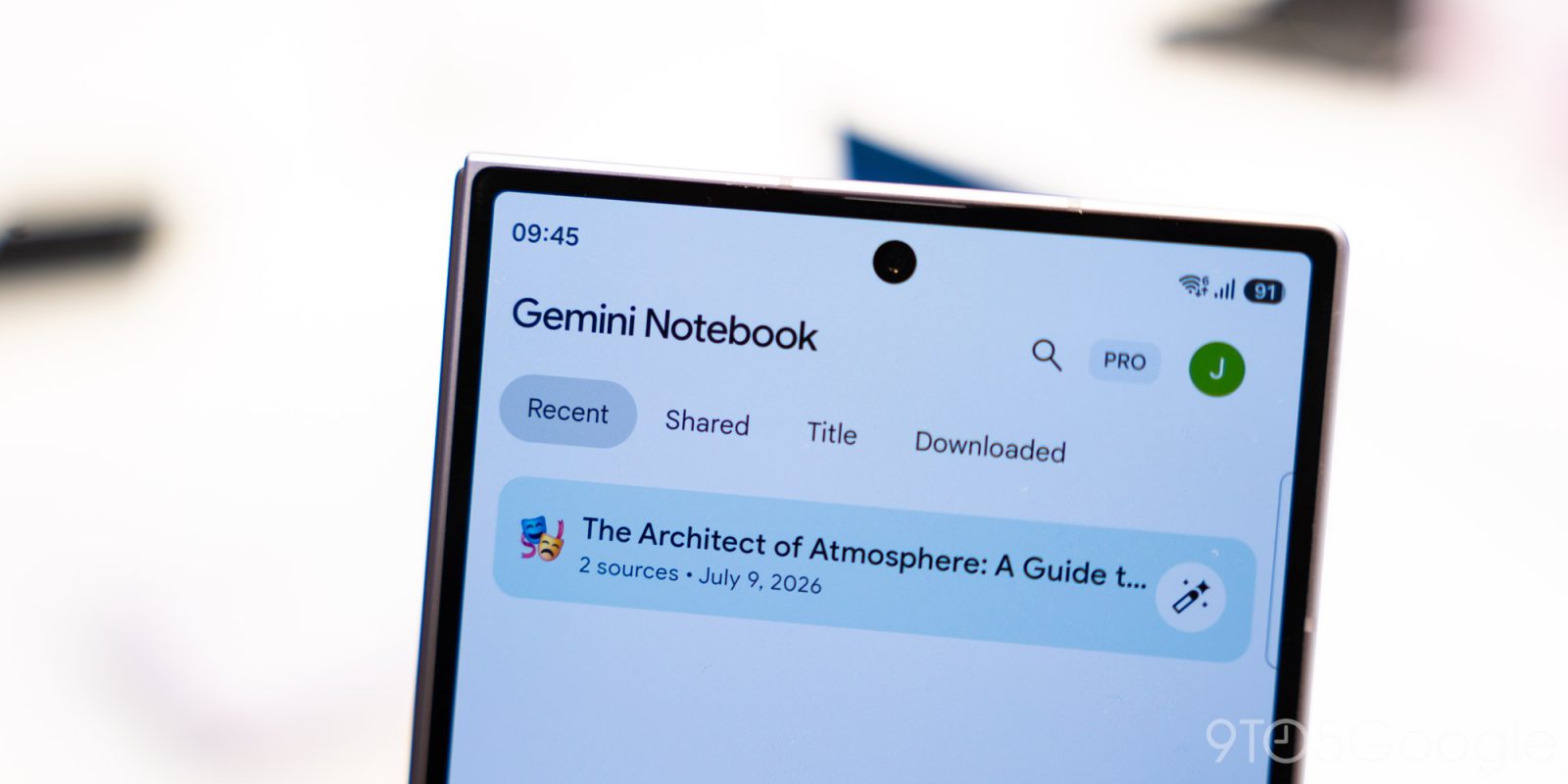
Gemini Notebook, Google's research and note-taking tool formerly known as NotebookLM, has started rolling out a built-in audio recorder in its Android and iOS apps. The official @Gemini_Notebook account announced the feature on X, and 9to5Google reported the wide rollout on October 27, 2026.
The recorder appears as a microphone icon between the camera and the create-new-notebook button on the app's home screen. Tapping it from the home screen creates a new notebook with the recording as a source; tapping it from an existing notebook's Sources tab adds the recording to that notebook.
The interface is simple: a waveform, a live timer, a pause button and a checkmark to finish and upload the audio. Recording can continue in the background, even when you switch apps or lock your phone. Each capture is limited to one hour.
Once finished, the audio is processed into a transcript, which becomes a notebook source that you can chat with, cite and combine with other materials, such as photos of handwritten notes. The catch, highlighted by Android Police, is that the original audio file is not kept: the notebook stores the transcript. If you need the original voice file to check or share, use a different recorder.
Google had already announced the recorder in September, and the tool was rebranded from NotebookLM to Gemini Notebook in July 2026. The rollout is gradual: if the microphone icon has not appeared yet, update the app, and 9to5Google notes that force-stopping it may help. Before recording lectures, meetings or other people, check the consent rules of the place and institution.
Image credit: Gemini Notebook illustration (Google), published by 9to5Google.
Sources: 9to5Google; Gadgets 360; Android Police; MacObserver
Transparency: this article was prepared with the help of artificial intelligence, cross-checking public posts on X and the internet sources listed above. We recommend consulting the original sources to confirm the details.
Muse