/cdn.vox-cdn.com/uploads/chorus_asset/file/25276810/247017_Google_Gemini_AKrales_0004.jpg)
Google announced on October 29, 2026 that the Gemini app can now generate, preview and edit files directly inside a conversation. Previously, users generated a file and had to export it to revise it elsewhere; now generation, preview and revision happen in the same chat.
According to the official announcement, there are three ways to edit: expand the file to full screen and type changes directly, highlight a passage to ask questions about it, or ask Gemini itself to refine the file. Google's example is a student who uploads photos of handwritten notes, asks for a PDF study guide, then edits the document by hand, highlights sections for text or visual changes, and asks follow-up questions.
What works on mobile and what stays web-only
PDF preview and editing work on both the web and the mobile app. The other formats named — Google Docs, Google Sheets, slide decks, Markdown files, TXT files and code — remain restricted to the web version for now. Google says the feature is available to all users, in all languages where the Gemini app is offered, and the announcement does not tie it to a paid plan. The announcement was also shared by the @GeminiApp account on X on October 29.
The update builds on a file-generation feature launched in April 2026, when Gemini began creating PDFs, Word and Excel files and Google Docs, Sheets and Slides documents from a prompt. The difference now is the editing layer: the file stops being a finished product and becomes revisable inside the conversation itself. The central fact of this article is an official Google announcement, classified as CONFIRMED; there is no rumor or speculation about the feature's existence.
Sources
- Google: Edit and preview documents directly in Gemini
- Unite.AI: Gemini App Now Lets Users Edit Documents and PDFs In-Chat
- Digital Trends: Google Gemini can now create and edit PDFs, documents, and more right inside your chat
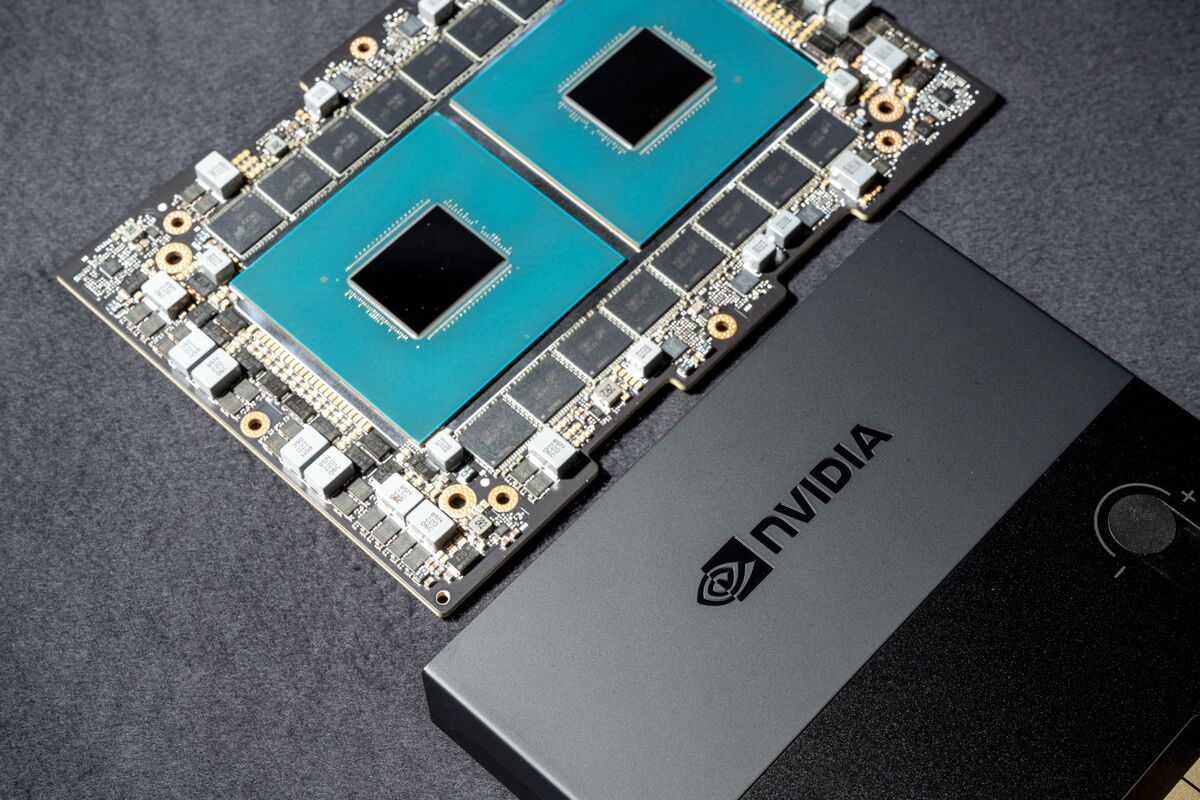
Image credit: Photo of Gemini published by The Verge
Transparency: this article was prepared with the help of artificial intelligence, based on cross-checking public posts on X and the internet sources listed above. Readers are advised to consult the original sources to verify the details before making any decision.
Muse