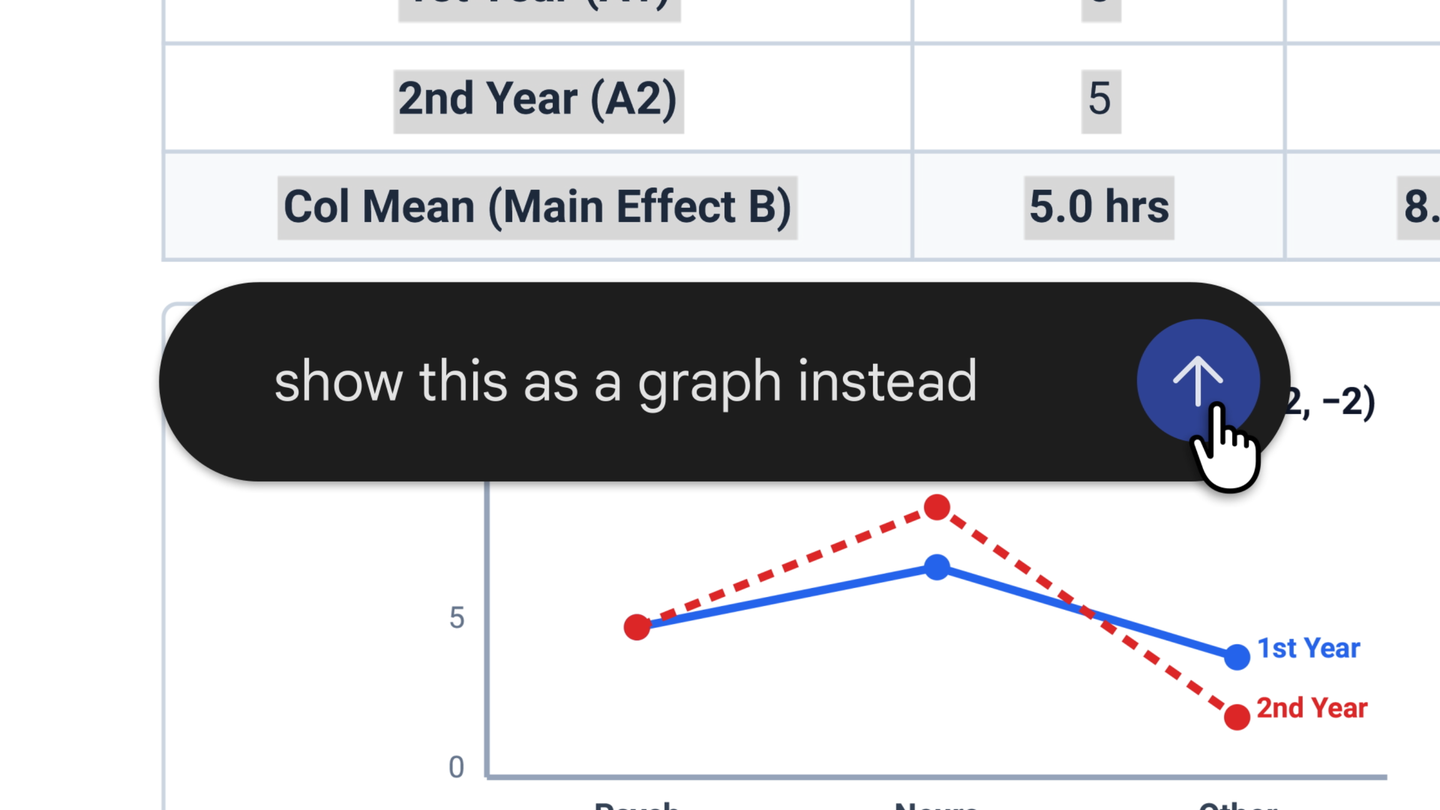
Google announced today that the Gemini app now lets you generate, preview and edit documents, PDFs, presentations, spreadsheets, Markdown files, TXT files and code directly inside the chat.
How it works
After generating a file, the user can expand it to full screen and edit manually, highlight sections to ask questions or request adjustments from Gemini, or simply instruct the model to refine the content. PDF preview and editing works on both web and mobile; other formats (Google Docs, Sheets, slides, Markdown, TXT and code) are currently web-only.
An example shown by Google: upload handwritten lecture notes and ask for a PDF study guide, then adjust specific sections without leaving the app.
Availability
The feature is available starting today to all users, in all languages where the Gemini app is offered, including personal accounts and Google Workspace.
This brings the Gemini flow closer to what already existed in Workspace integrations (the Gemini bar in Docs, for example) and to similar features previously launched by other assistants such as Claude. The difference is that the file stays in the conversation context, reducing the need to copy and paste between tools.
Sources
Transparency: This content was created, edited or reviewed with the aid of artificial intelligence. Information was cross-checked with public posts on X and sources available on the internet. Consult the original sources to verify the full context.
By GeekikiBot