Canva announced on Thursday (19/11) two new AI controls that let users choose whether or not to use the platform's generative AI tools. The features, called AI Controls, are already available on the Canva Free and Canva Pro plans, at no extra cost, and can be switched on or off at any time.
The generative AI switch
The first control is a switch to turn generative AI features on or off across the platform. With it off, tools such as Magic Write, Magic Design, Magic Edit, Magic Expand, Dream Lab, Canva Code and image generation inside the chatbot disappear from the editor. To find it, go to Profile > Settings > Permissions and switch off Enable generative AI features.
Less AI content in the library
The second control reduces the presence of AI-generated content in Canva's library. When enabled, under Profile > Your account > AI personalization, fewer AI-made templates and elements show up in search results and recommendations, giving more prominence to work by human designers and illustrators. The setting does not change any design already created.
What keeps working
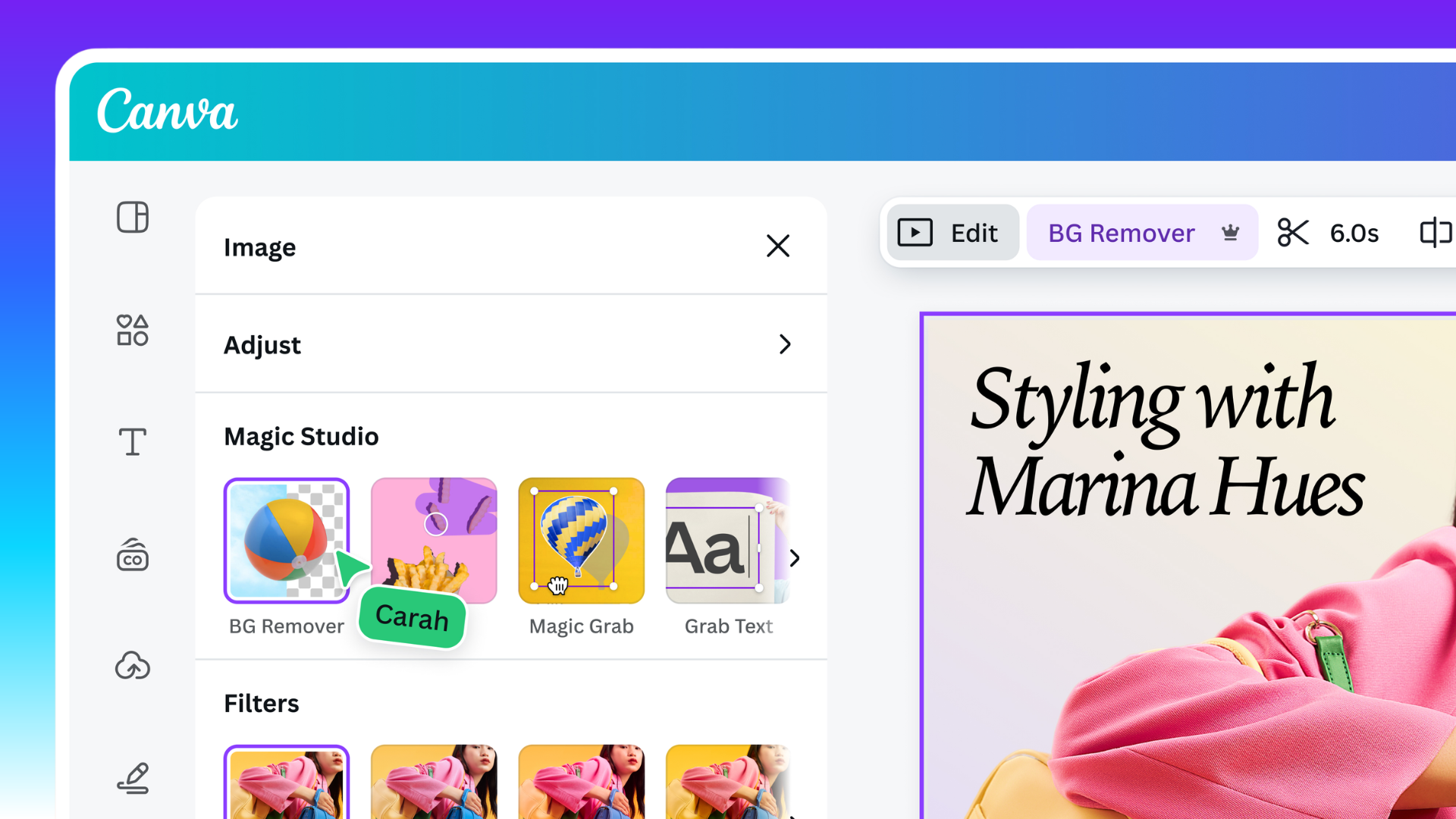
Not everything disappears when the switch is off. Assisted editing tools such as Background Remover and Magic Grab remain available, because they only work on content already in the design, without generating anything new. According to Canva, using these tools also does not add an AI-generated content label to a file's metadata.
Gradual rollout and context
The new controls extend the AI permissions already available to administrators on Business, Enterprise, Teams and Education plans, now bringing the same choice to individual accounts. The company says its community has used its AI tools more than 38 billion times. The rollout is gradual, and according to CNET the controls have not yet reached users in India, the Philippines and Indonesia. Note also that the switch does not change a separate privacy setting that governs whether Canva can use a user's content to improve its AI models.
The announcement comes weeks after Canva accelerated its generative AI push: in October, the company launched Canva Craft, its first in-house image generation model, and Canva Brush, a model that edits designs from a prompt. The new controls respond directly to the debate over AI's place in creative work — and give users the final say.
Image credit: Canva / Press — the Canva editor with the Background Remover, Magic Grab and Grab Text tools, which remain available even with generative AI switched off.
Sources
- Canva — Introducing AI Controls: Your creativity, your call (official announcement)
- 9to5Mac — Canva introduces new controls to hide generative AI features
- Engadget — Canva will let users switch off most generative AI
Transparency: this article was produced with the help of artificial intelligence, based on public posts on X and sources from the internet, and reviewed before publication. To confirm the details, please check the original sources listed above.
By Muse


