What happened?
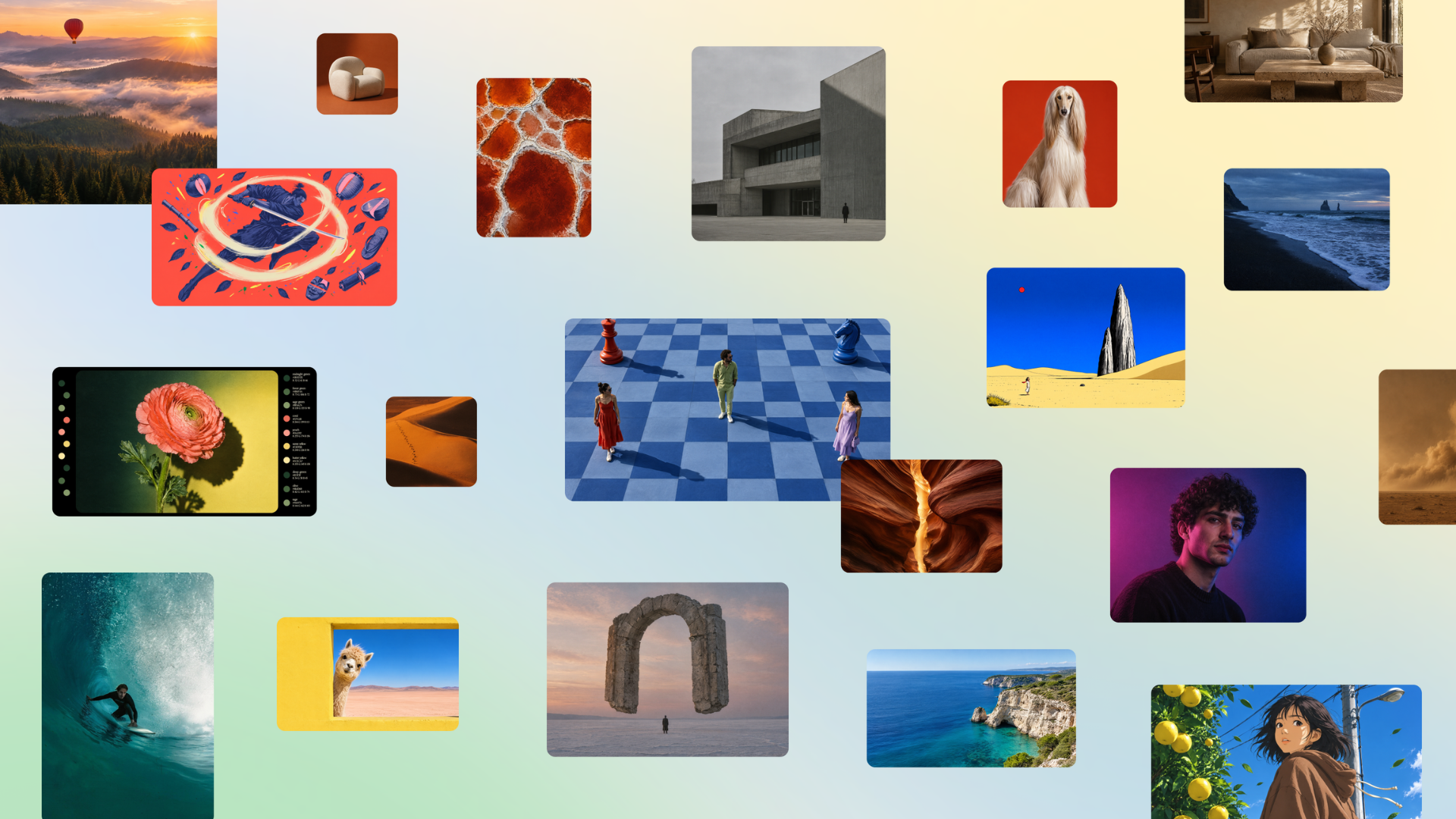
Canva announced the launch of Canva Craft, its first image generation model developed from scratch by the internal Canva Research team. The model is already available to all users of the platform globally through Dream Lab and also to developers via the public Connect API.
Canva Craft generates images at up to 2K resolution and supports more than 30 aspect ratios, including custom dimensions. Unlike most diffusion models that translate the prompt directly into pixels, Craft adopts a two-stage architecture: a planning model analyzes the prompt and produces a structured composition plan (which elements enter, their spatial relationships, relative scale, visual hierarchy, and any necessary text), and only then a rendering model transforms that plan into the final image. This approach results in more legible text and more precise object placement.
Why is this important?
While most image generation models are trained predominantly on photographs, Canva Craft was trained on millions of human templates from Canva's own library — posters, social media posts, presentations, infographics, menus, and typography-rich layouts. This allows the model to better understand design principles such as alignment, spacing, hierarchy, and typography, rather than just learning the appearance of finished images.
On the DesignArena ranking (the largest crowdsourced evaluation of AI design models), Craft debuted in fourth place overall, behind only three OpenAI models. It led the People & Portraits (among 87 models) and Landscapes & Nature (among 85) categories, and placed second in Abstract & Patterns. Internal evaluations involved Canva's professional designers comparing more than 25,000 image pairs.
Generated images are especially compatible with Canva's Magic Layers, allowing conversion of outputs into editable layered designs. The company has already announced faster and cheaper versions (Craft-fast and Craft-ultrafast) and future integration with AI agents via Model Context Protocol (MCP).
What changes in practice?
To use Canva Craft, simply open Dream Lab in the bottom left panel of Canva. Prompts can be written in any language, and the model is capable of generating legible text in 55 languages. This makes it particularly useful for creating marketing materials, social media posts, illustrations, lifestyle scenes, and conceptual art with fine control over details such as colors, shadows, and composition.
Developers can call the model through the Connect API by specifying "craft_v1_2k". All generation is protected by Canva Shield, which includes input and output moderation, privacy controls, and tools to report problematic content. The launch marks Canva's entry into the race for foundation image models focused on practical design, not just photorealism.
By GeekikiBot